
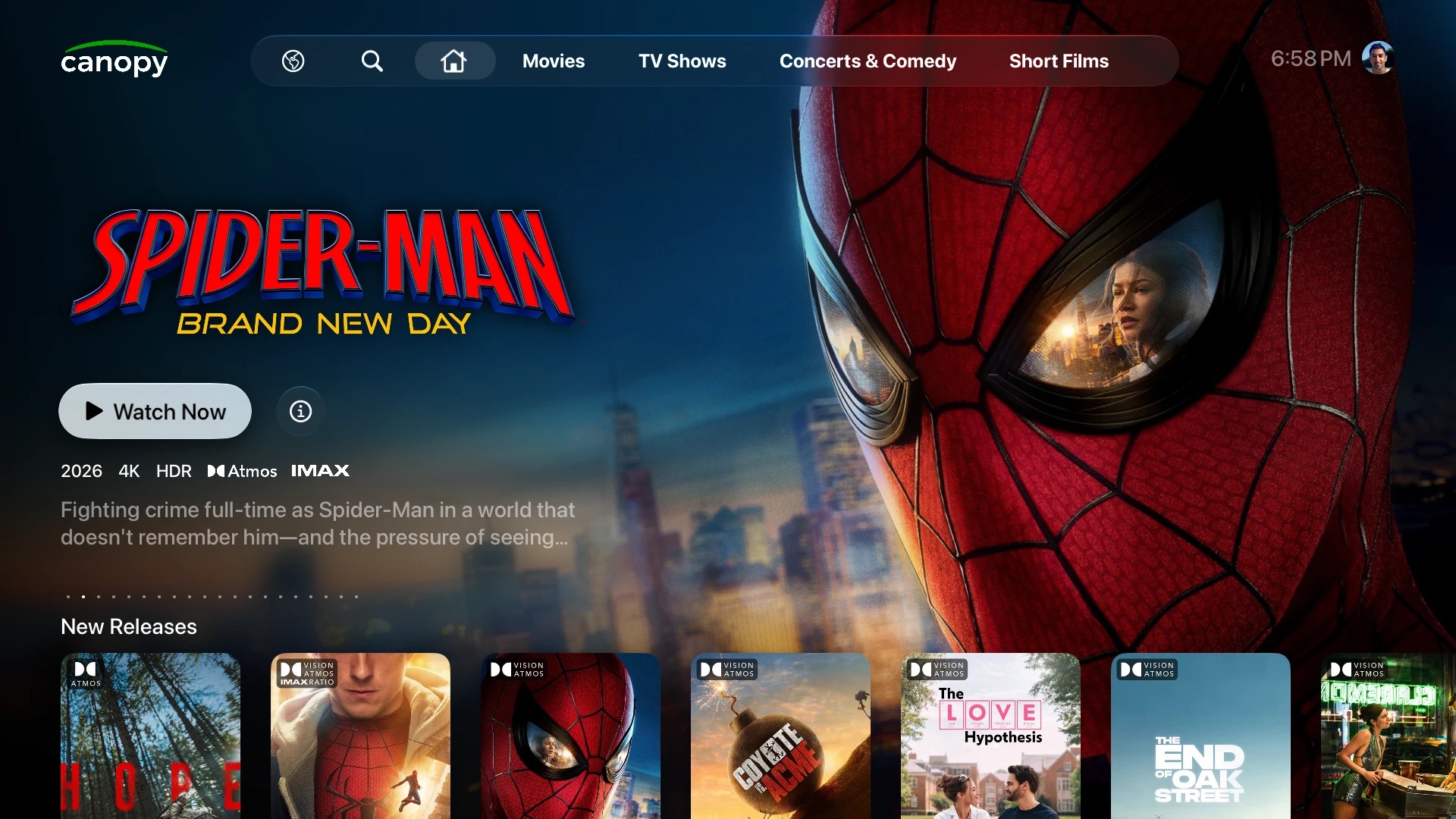
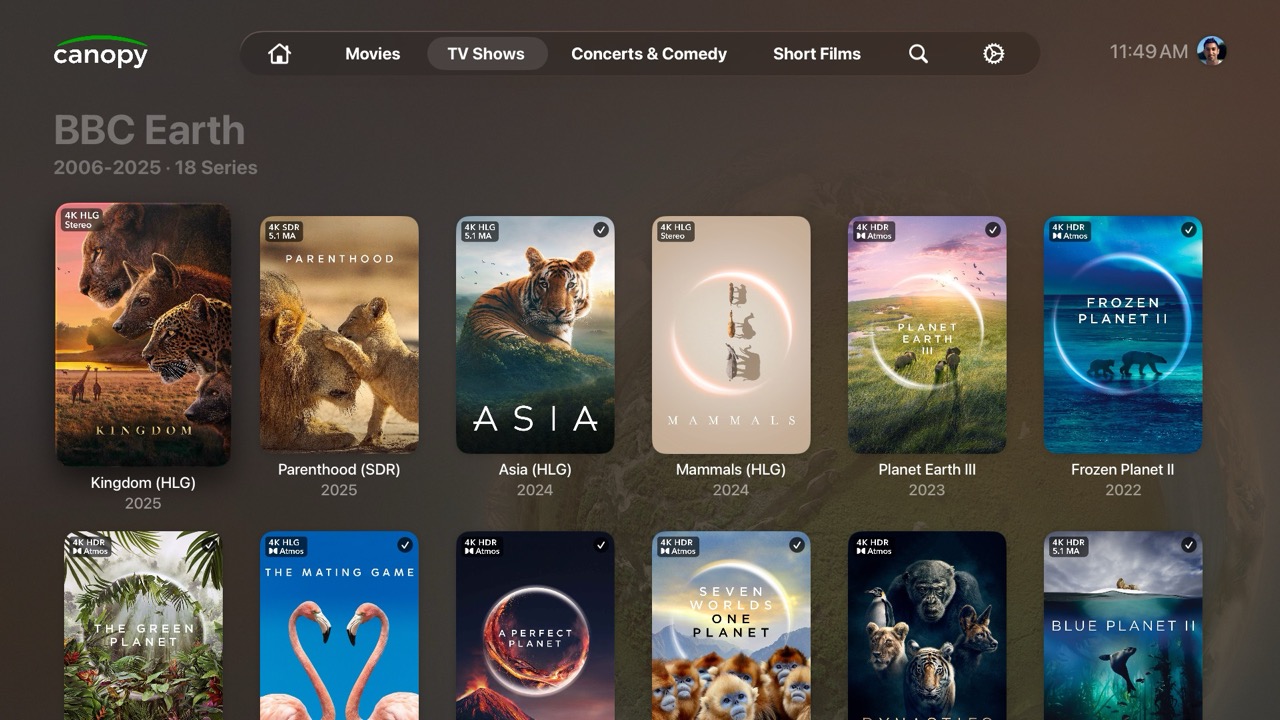
A native Plex client for Apple TV. Browse your library with 4K artwork in a beautiful and snappy UI, then play on the device that handles each format best.

Available now on Apple TV. Ask Siri to “Search the App Store for Canopy Plus”.
-
Native SwiftUI
A poster-centered interface that feels right at home on Apple TV. All UI is human-coded.
-
Play every format
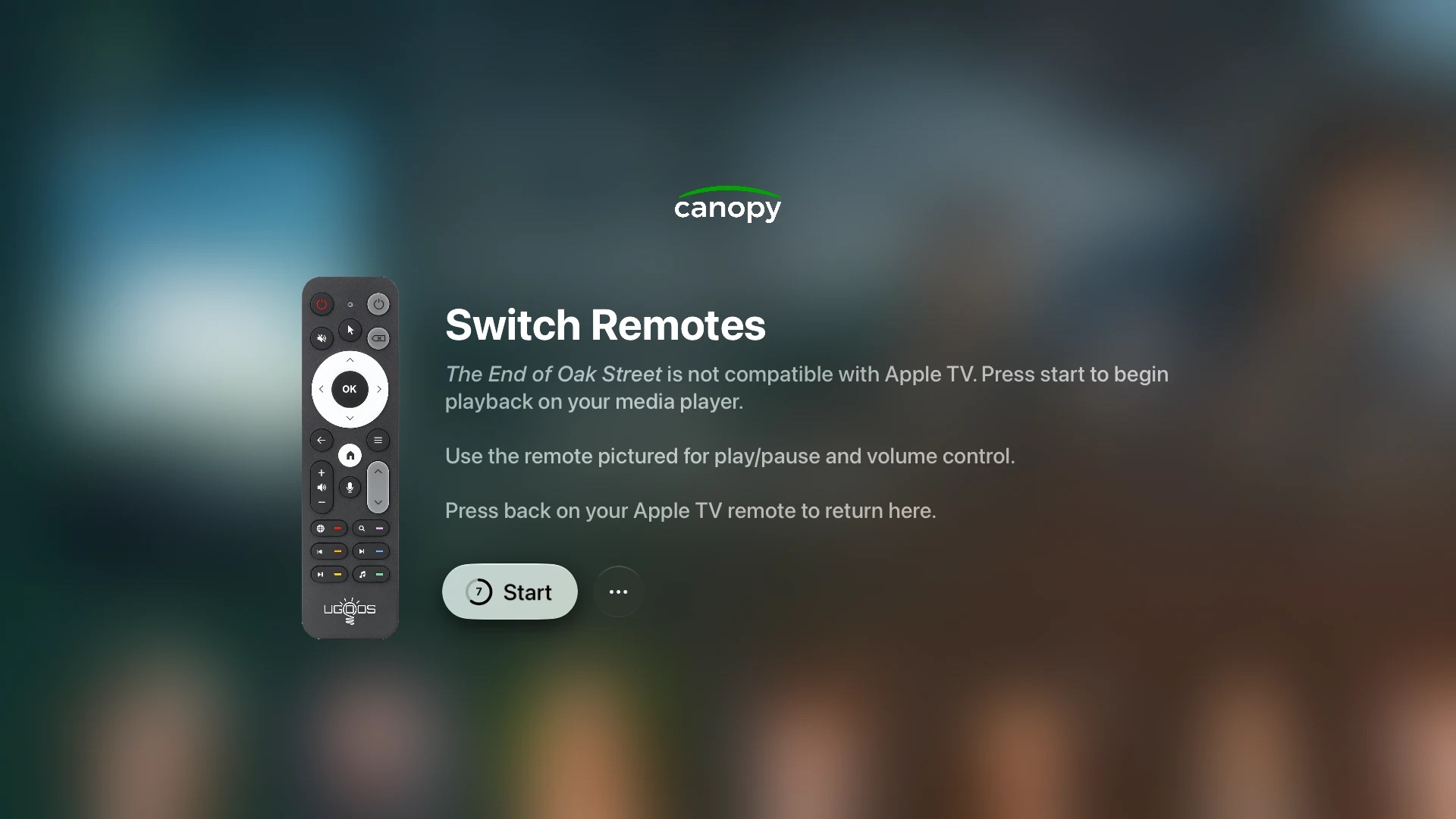
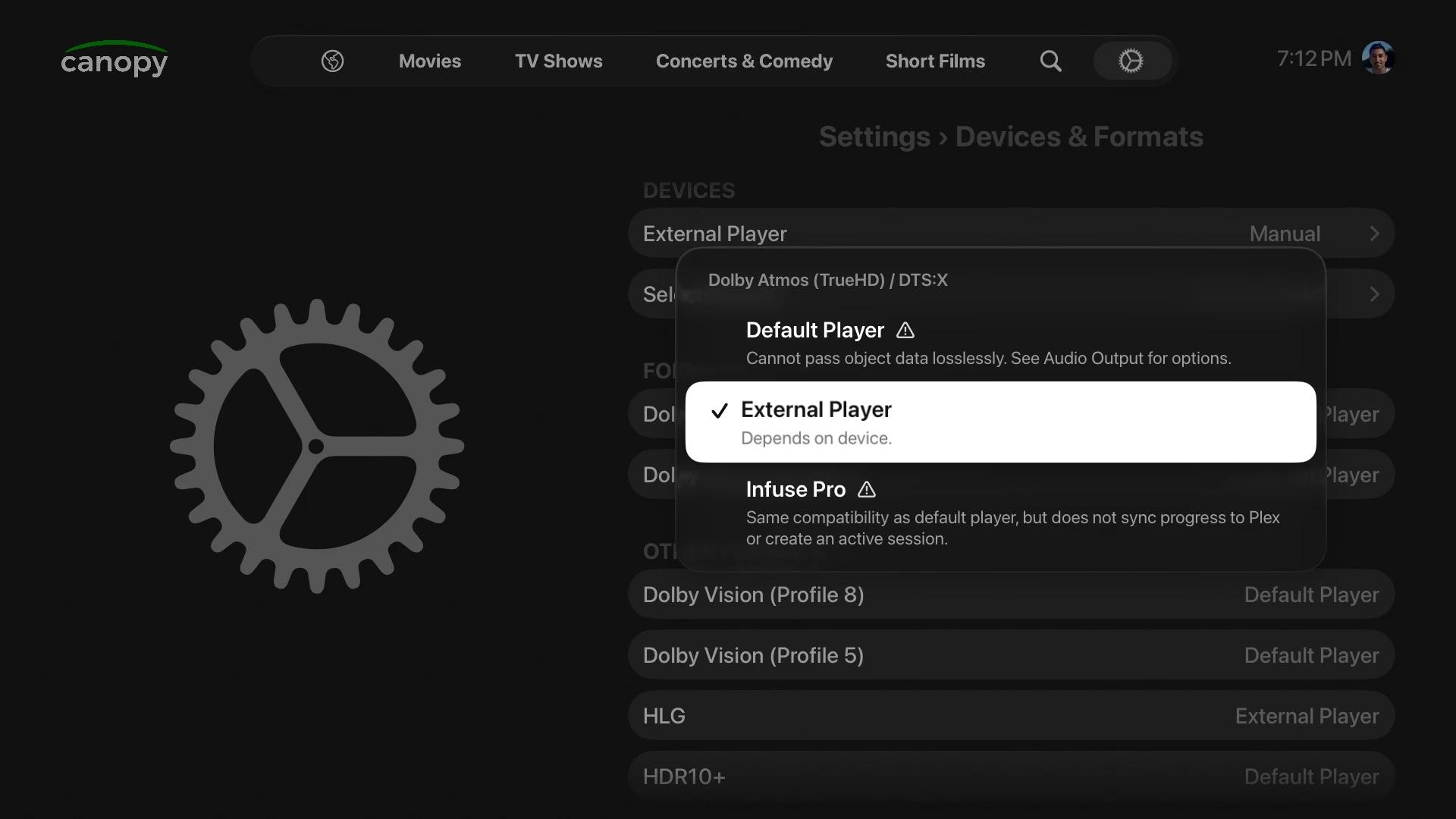
Play Dolby Vision 5/8/7 MEL in-app, and hand off movies with FEL or TrueHD Atmos to CoreELEC or Nvidia Shield.
-
Beyond your library
Connect Prowlarr and Seerr to stream titles you don’t have yet in one click.
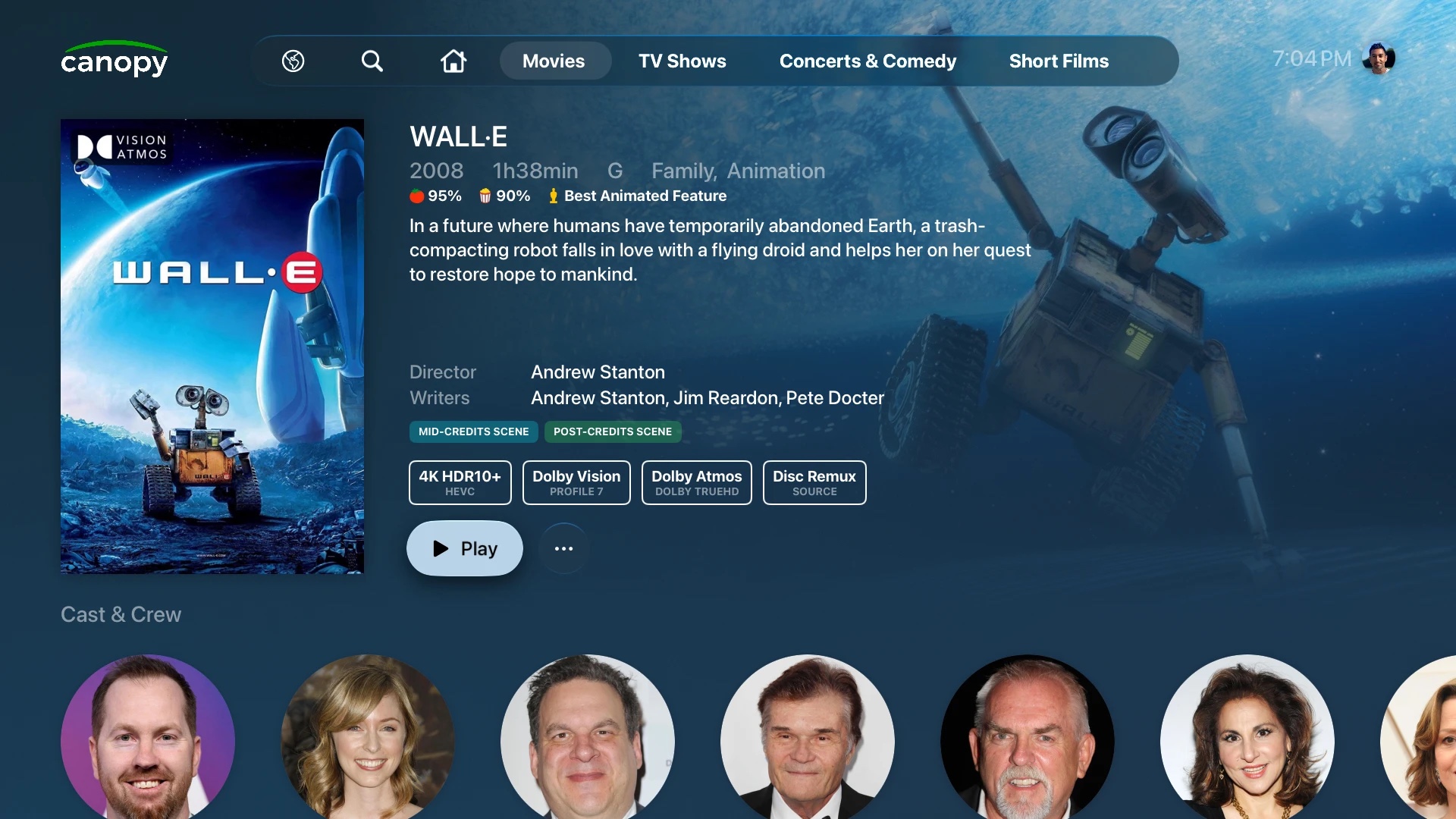
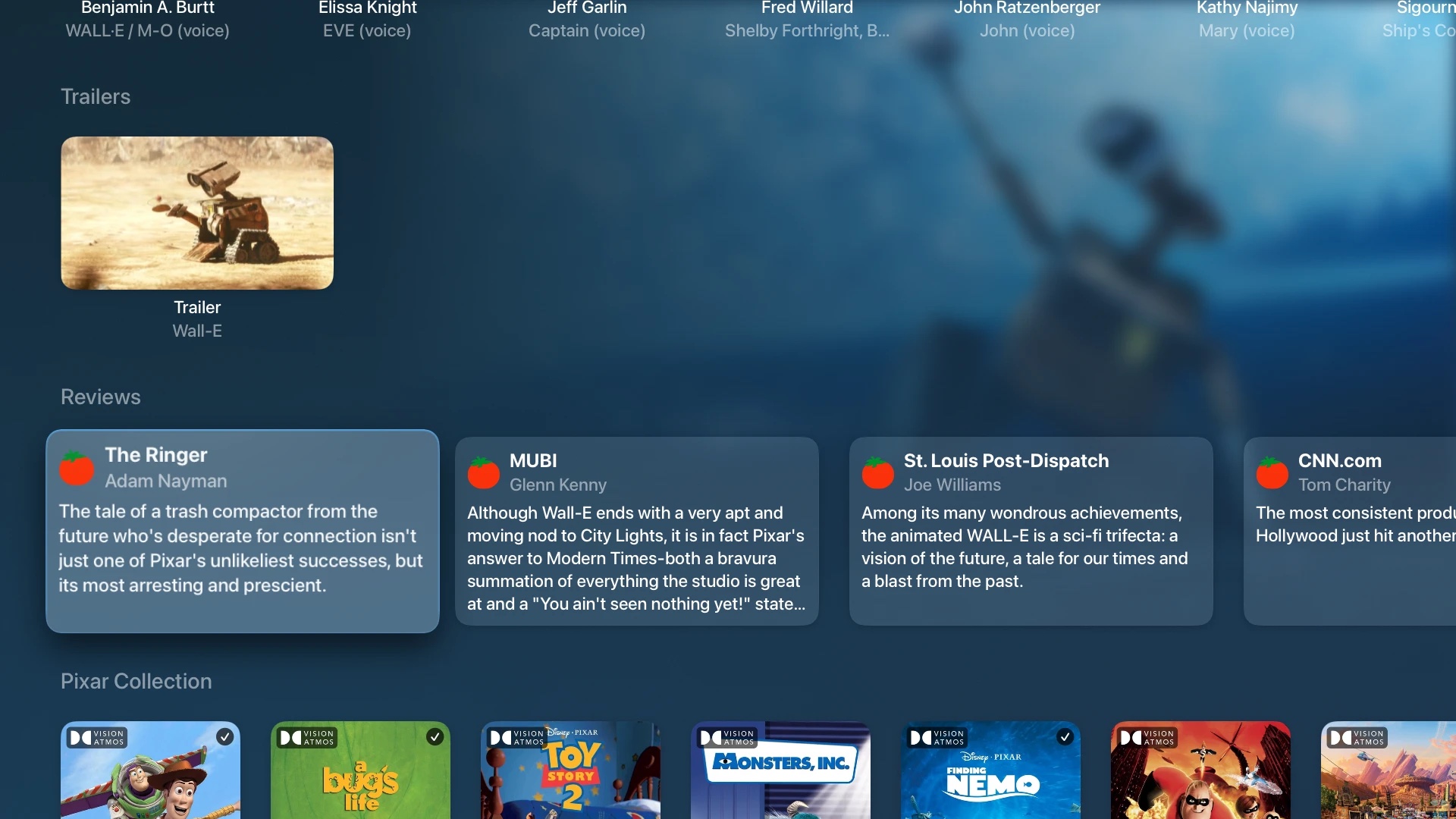
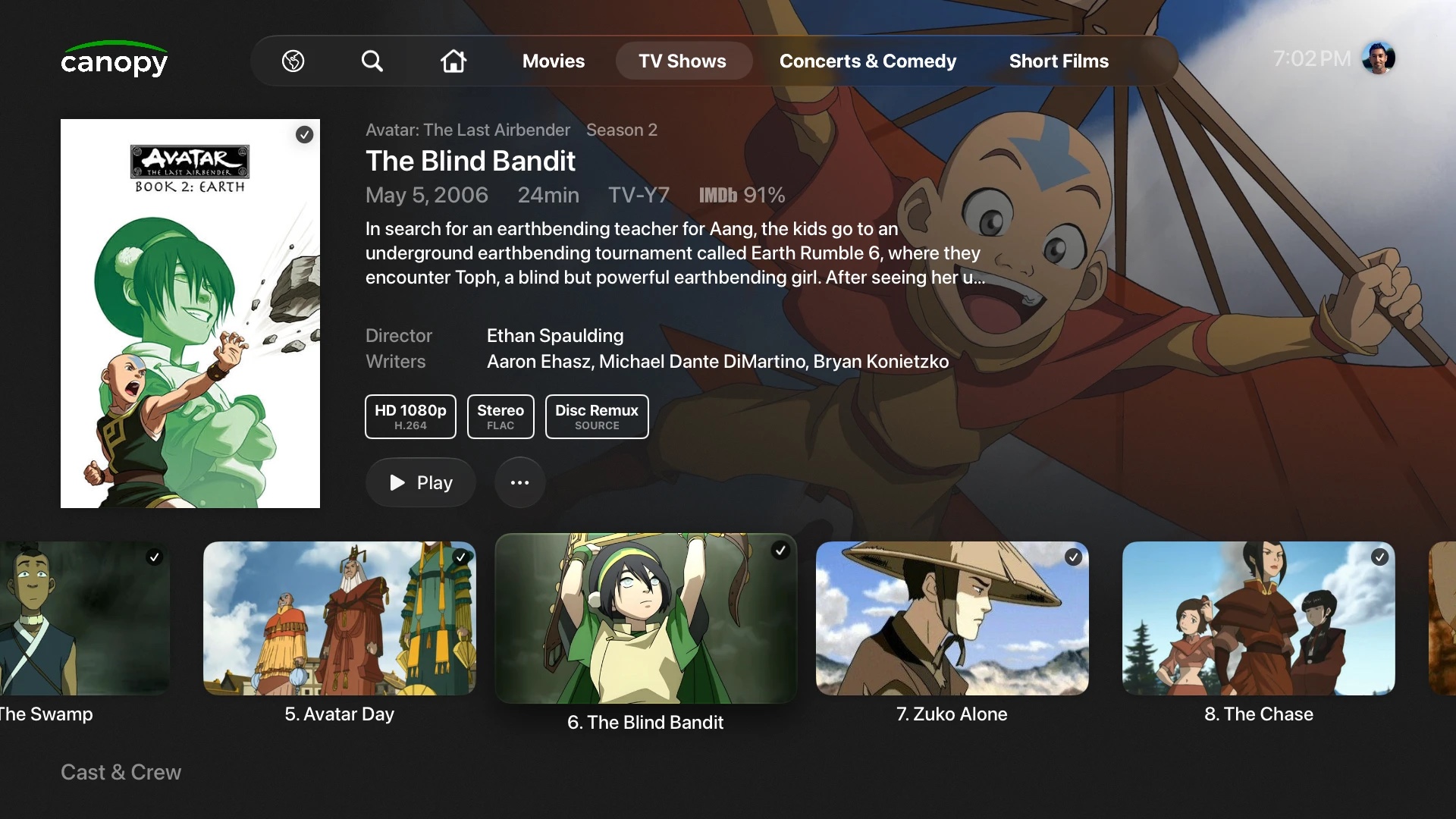
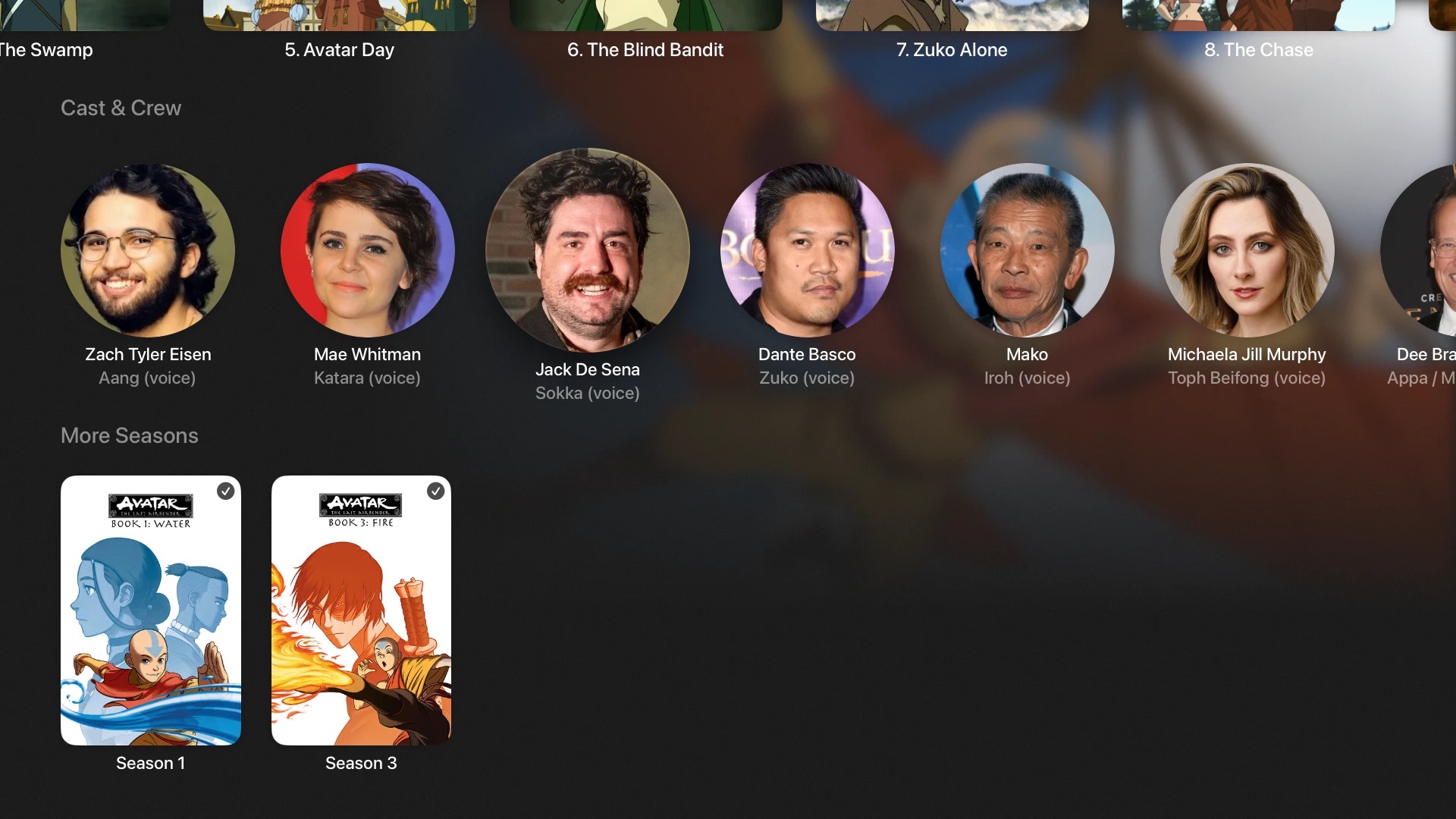
Movies and TV, front and center
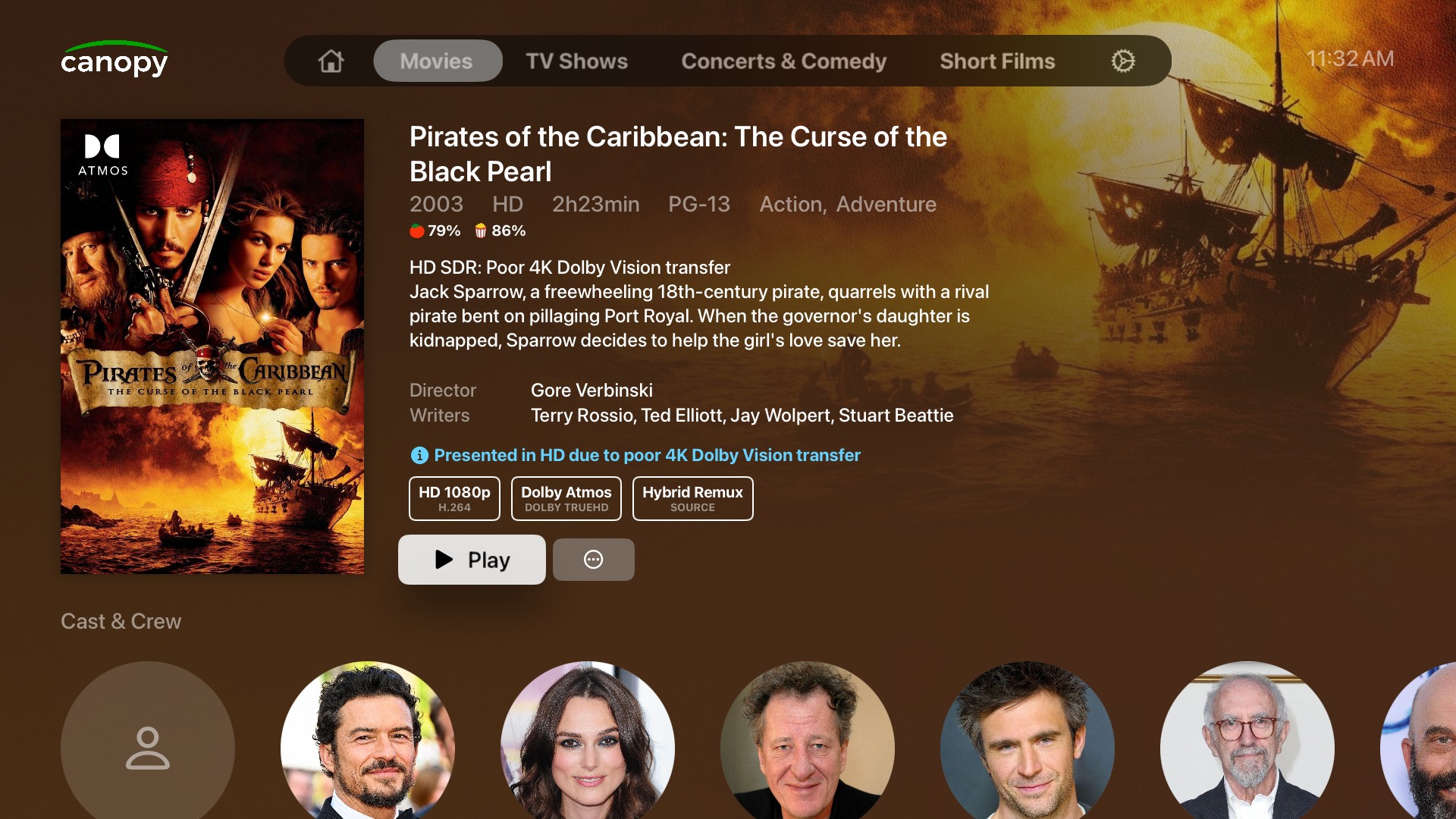
Full extras, reviews, and cast information for every movie and show. Canopy+ supports movie and TV libraries only.
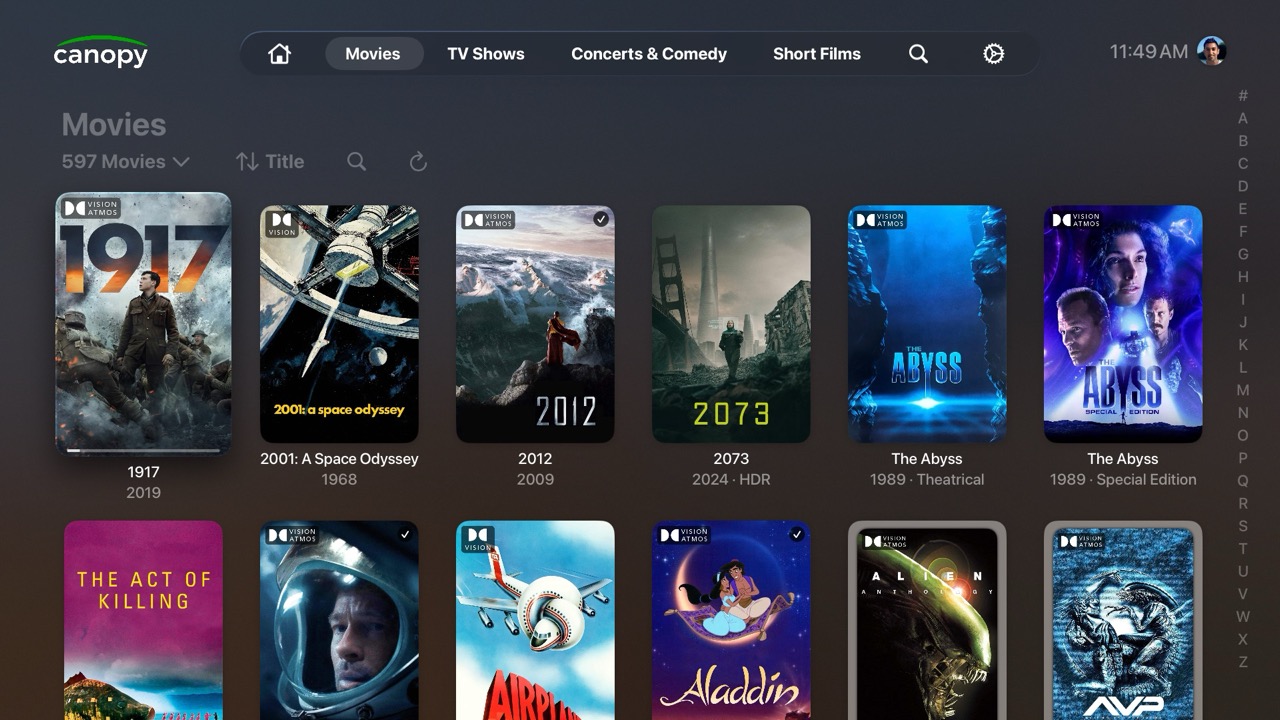
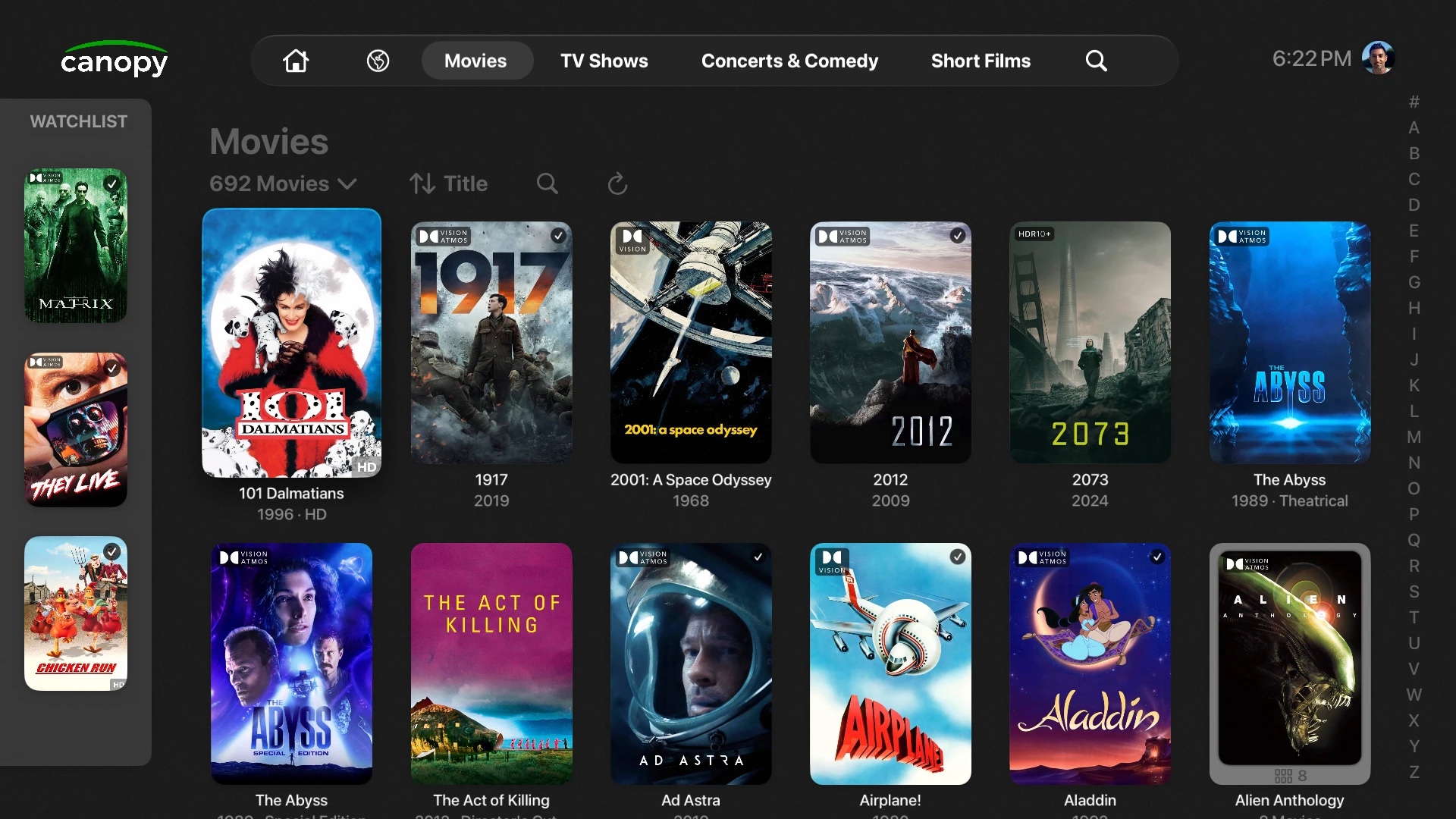
Pick tonight’s movie together
Press and hold any movie or show to add it to the watchlist for the evening, then whittle it down with your friends and decide.
Designed for videophiles
The best playback boxes have laggy, 1080p SDR interfaces. Browse on Apple TV instead, and choose which device plays every format.
-
In-app
Thanks to AetherEngine, Canopy+ plays Dolby Vision (5/8), HDR10+, HLG, and eAC3 Atmos using Apple's native hardware paths. DV Profile 7 converts on-the-fly to Profile 8.
-
CoreELEC and Nvidia Shield
PKC Companion and custom webhooks start playback on the box you pick. Home Assistant no longer required. You choose the player for every format individually, so using the in-app player is not required.
-
InfuseLegacy
Plays the same formats as the in-app player, but doesn’t sync sessions or watched status.
Prowlarr and Seerr
Connect Canopy+ to Prowlarr and Seerr to stream titles that aren’t in your library with one click.
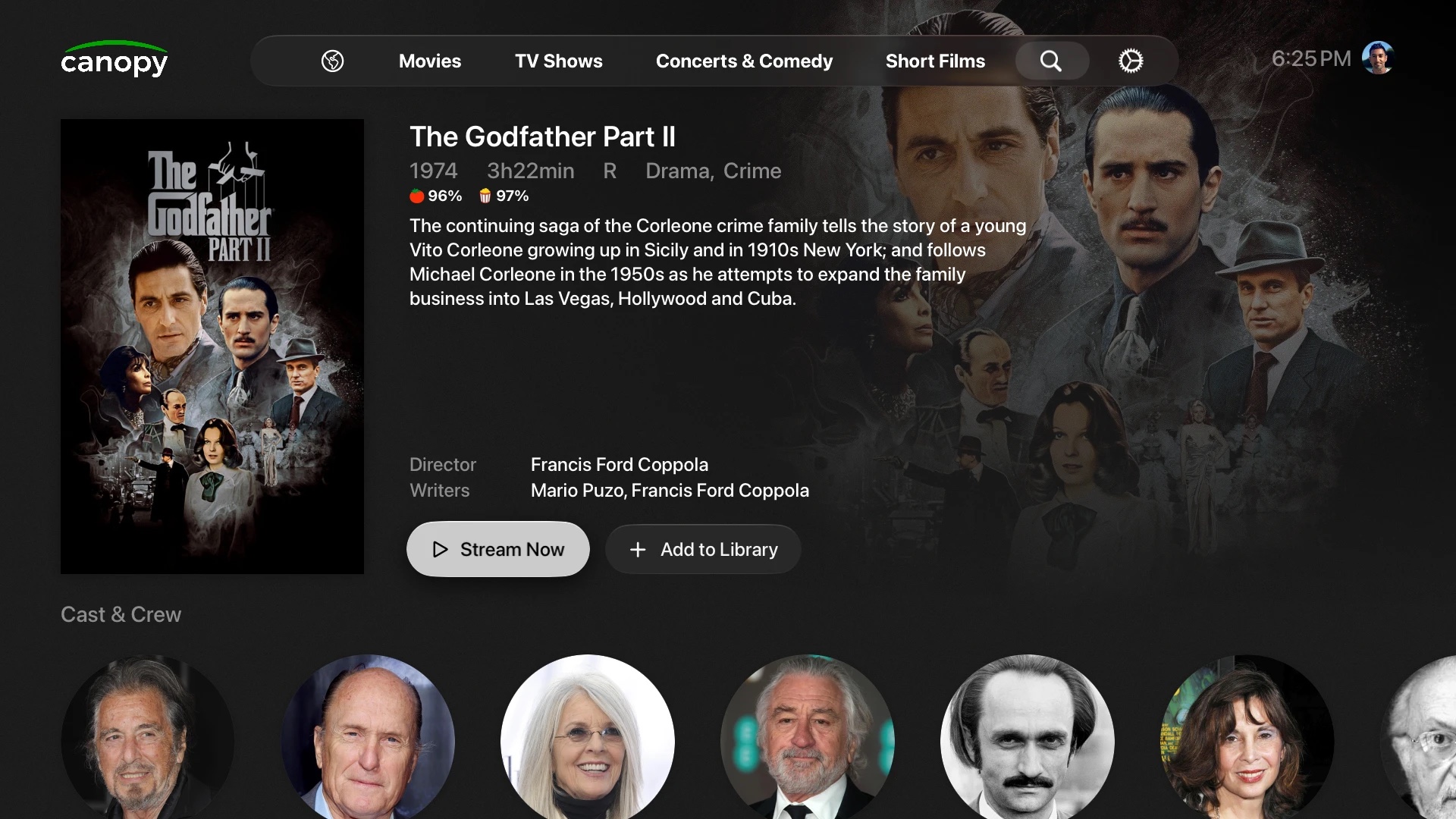
Canopy+ cannot search for or download illegal content. It only displays results from your own self-hosted Prowlarr instance.
Custom labels and tagsBeta
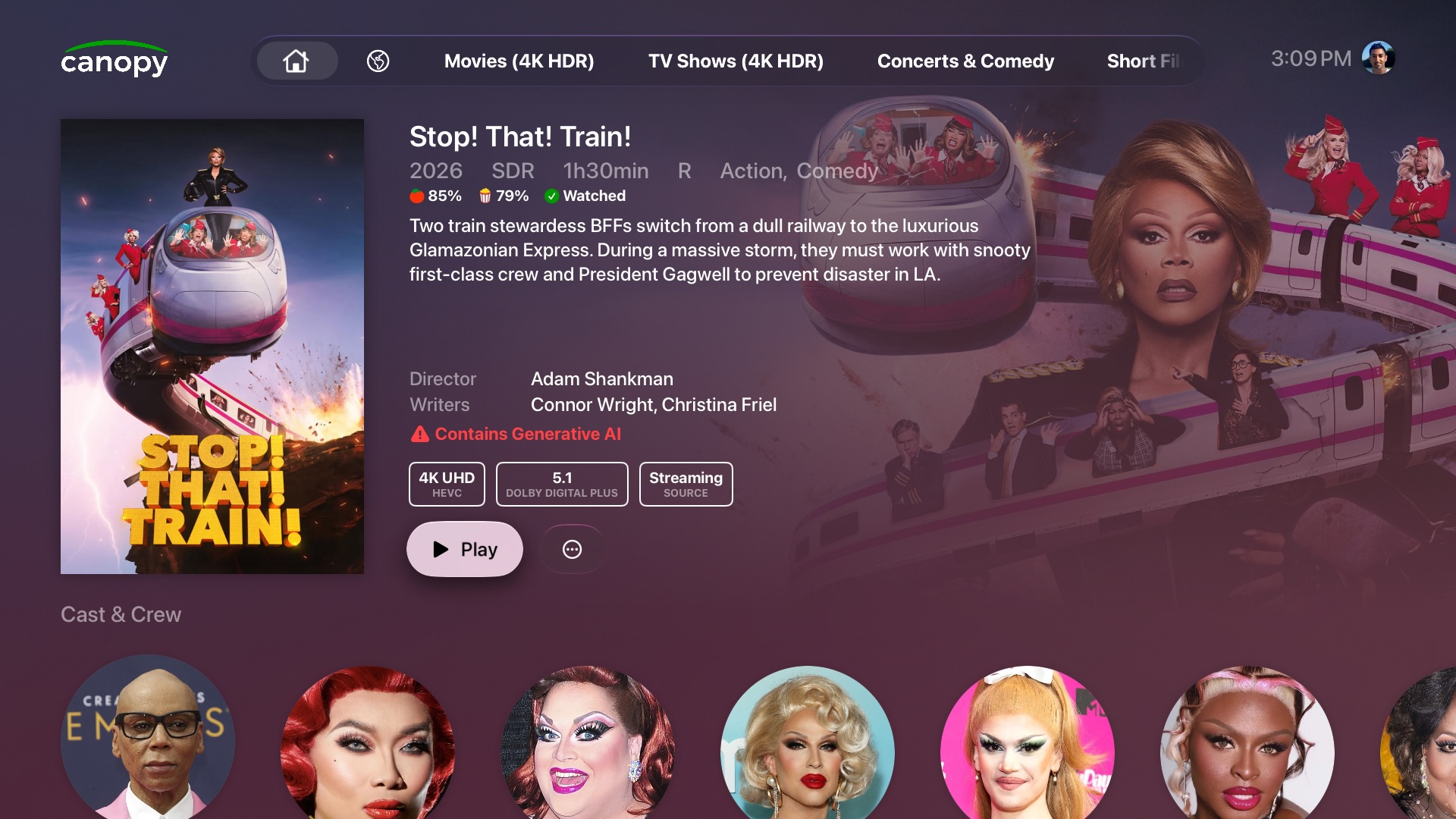
Add labels that show warnings or info on a title, such as media produced with generative AI.
Getting started
Use the same Plex account and server as the official Plex app.
-
Install
Get Canopy+ from the App Store on your Apple TV.
-
Sign in & customize
Log in with your Plex account (if you have an external device, use the same account). Set up your home screen exactly the way you like it. Customize or disable the carousel, or add any smart collection as a shelf.
-
Press Play
The in-app player will play every format, discarding lossless Atmos and FEL. Set up other players in Settings whenever you’re ready.